Introducing Categories
Categories work like labels. They help clubs organize activities and make it easier for customers to find what they are looking for.
Categories work like labels. They help clubs organize activities and make it easier for customers to find what they are looking for.
You can create and edit categories from Settings. Once created, a category can be assigned to any activity, such as an event, training, or tournament.
For example, a category could be Beginners, Advanced, Intro, or anything else that makes sense for your club.
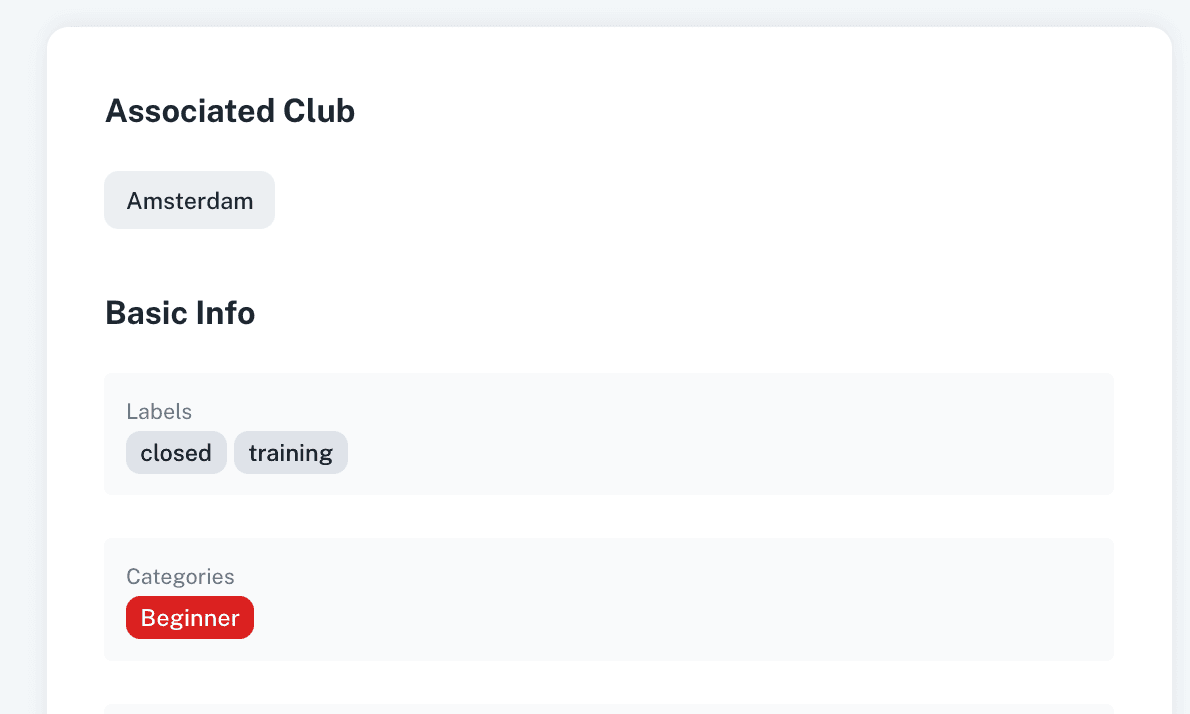
Once a category is assigned, it will be visible on the activity. This helps customers quickly understand what type of activity it is and whether it is relevant for them.
Customers can also use the Categories filter at the top of the activity pages. This allows them to filter the page and only see activities linked to a specific category.
Categories can also be used in URLs. This is useful for marketing campaigns because you can share a link that opens a page already filtered by a specific category. Just filter them and then copy the url.
For example, you could share a link that shows only activities for beginners, intro sessions, or any other category you want to promote. For example this link will only show Beginners events https://player.padelos.co/company/167/events?category=Beginners
Categories help clubs organize their activities more clearly and help customers find the right activities faster.
Learn more > https://support.padelos.co/en/articles/16592978-labels-vs-categories