Open Matches
Get More Players on the Court
Encourage more padel matches with Open Matches, where players can easily create or join games based on skill level and availability. Whether for competitive play or a casual rally, this feature helps players connect and enjoy more matches effortlessly.
Private Matches
Players can create open matches and keep them private by inviting selected players. It is an easy way to organise games with friends without making the match visible to everyone.
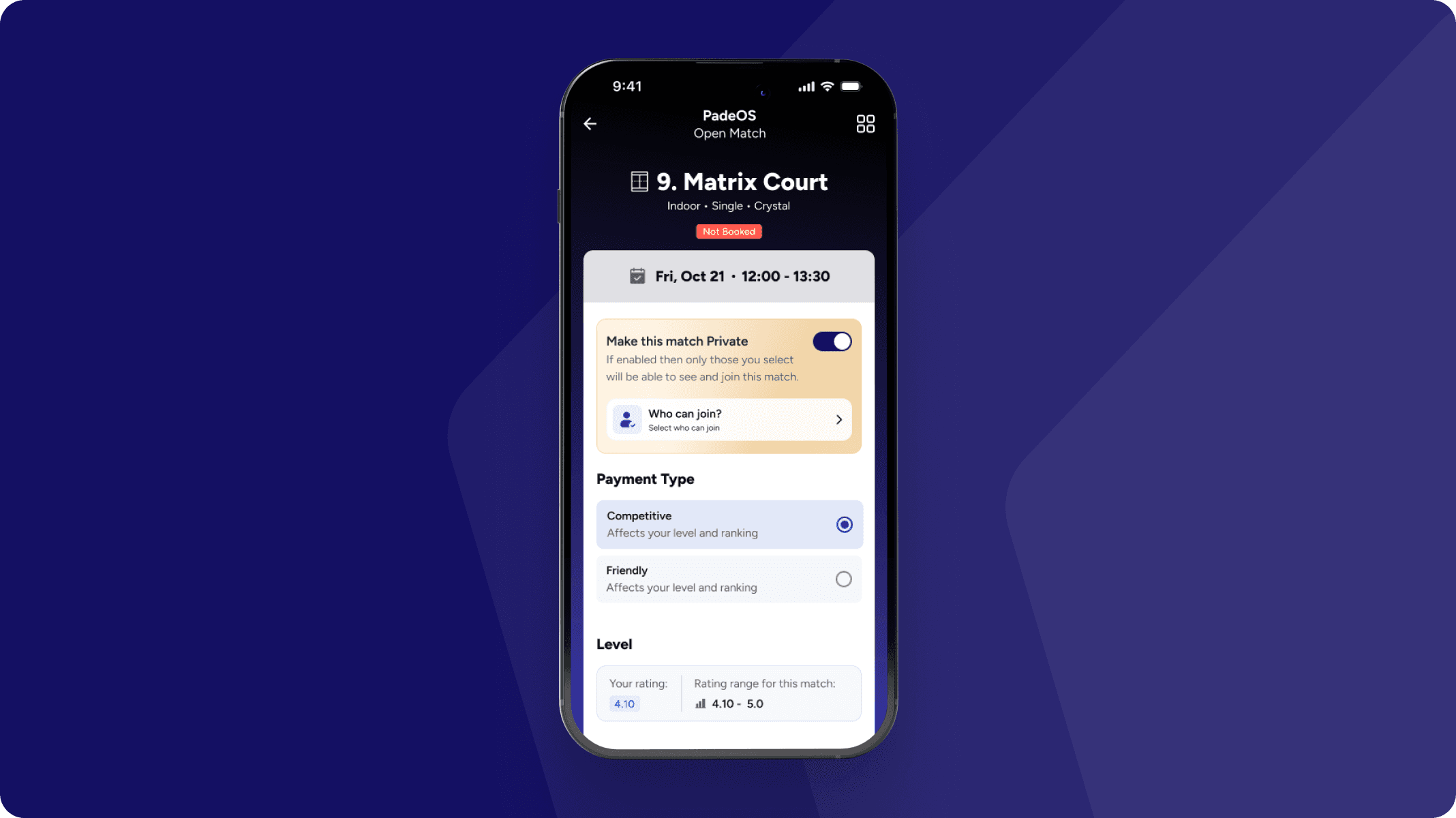
Invite Specific Players – When creating a match, players can search and add players one by one. This gives full control over who can join, making match planning faster and more personal.
Create Groups & Invite– Players can create groups inside the app and invite an entire group with one tap. It makes organising recurring games effortless and helps clubs build stronger player communities.
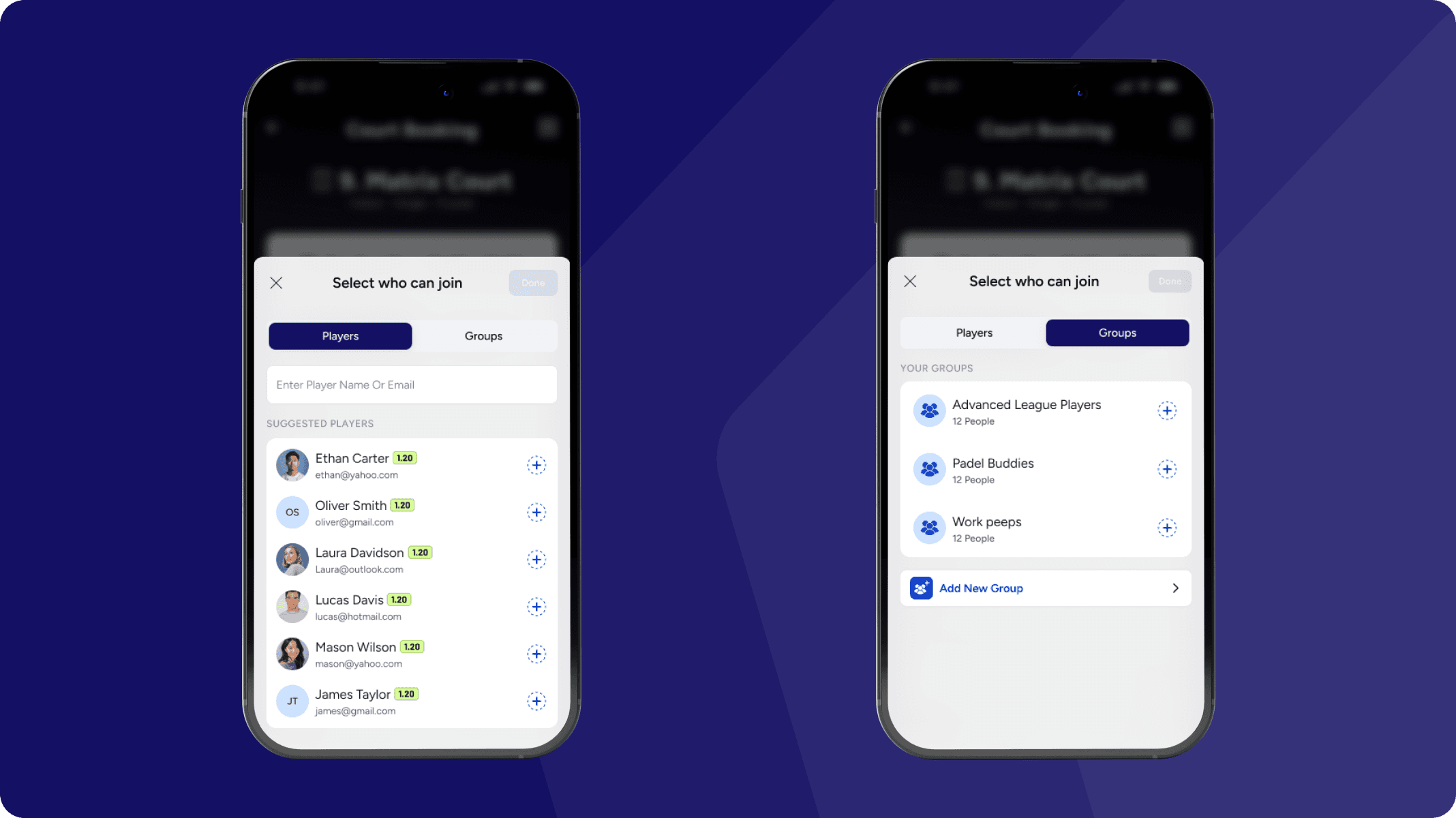
Create a Variety of Match Types
Competitive Matches – Set up rating-based matches for balanced play, where results impact player rankings.
Friendly Matches – Offer casual games for skill-building without affecting player ratings.
Inclusive Matchmaking – Allow flexible gender options to expand participation and create diverse matchups.
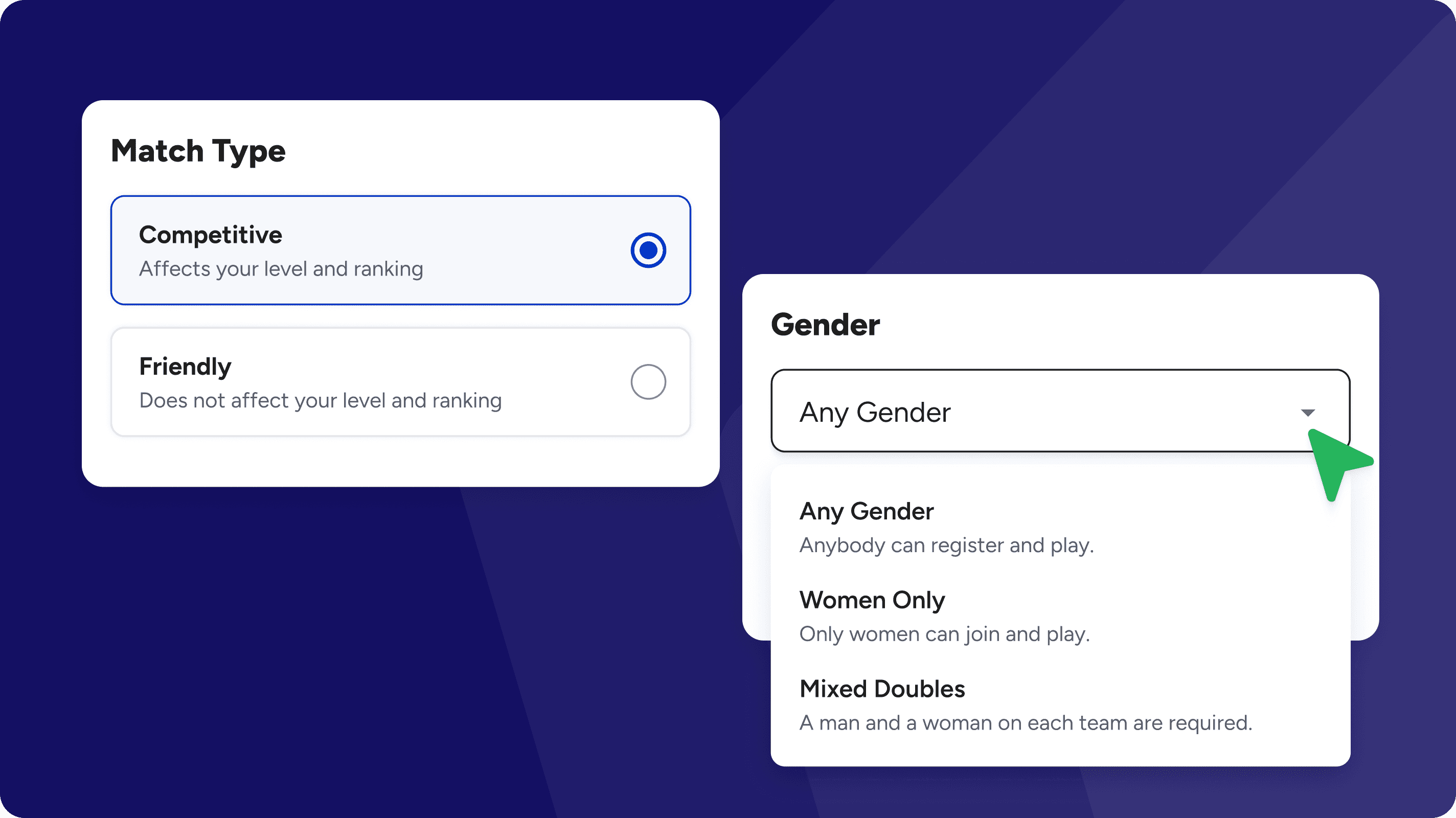
Effortless Partner Invitations
Easily invite partners to join open matches with a seamless, streamlined process. Fill matches faster and ensure a great playing experience for all participants.
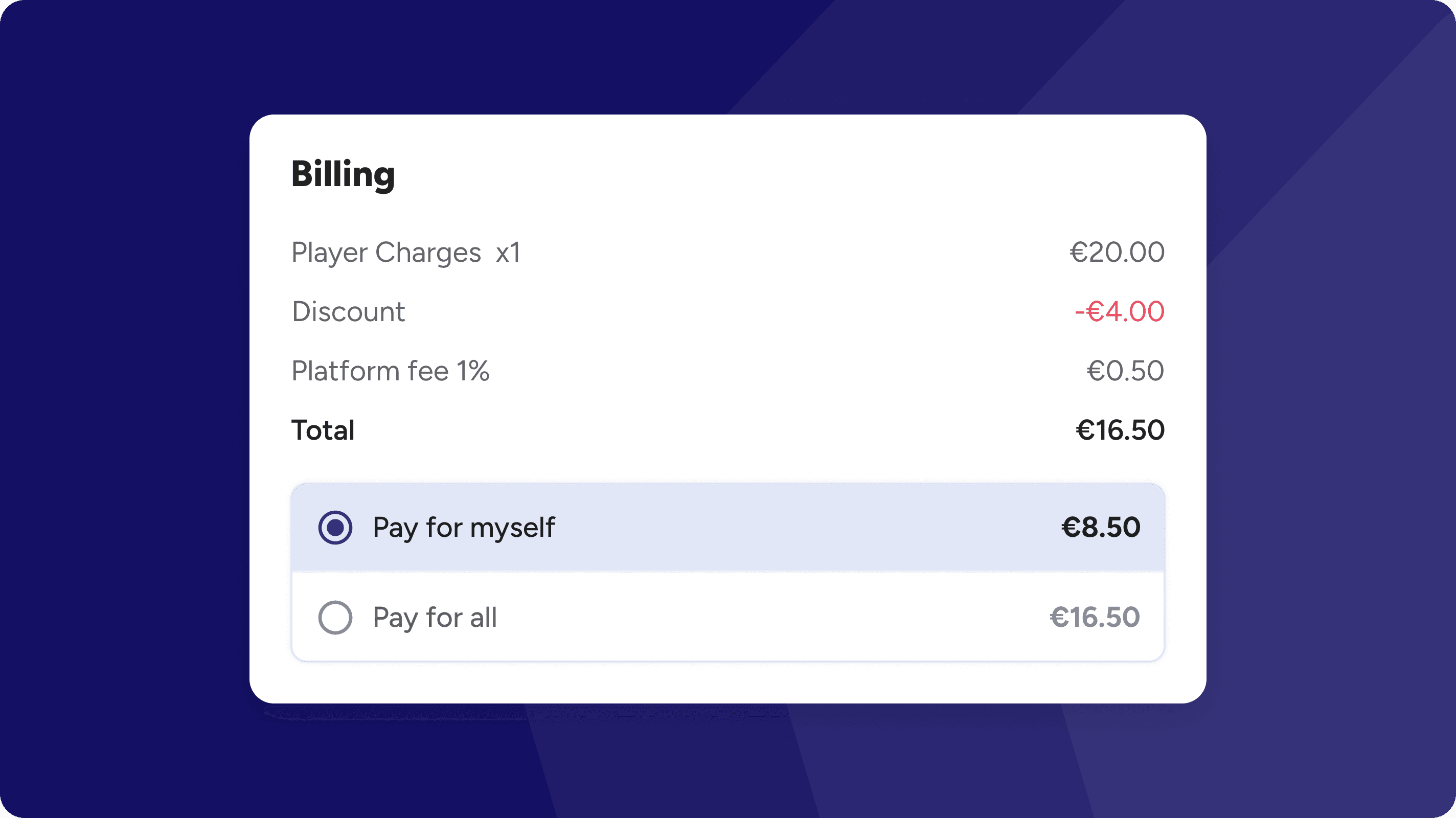
Flexible Payment Options
Players can choose to pay for their own share or cover the full booking amount for the group. Payments can be made using various methods, including wallet credits, ensuring a seamless and hassle-free experience.
Accurate & Verified Match Scoring
Players can submit match scores, which are then verified by their opponents to ensure fairness and accuracy. This system maintains transparent results, helping refine player rankings and improve future match pairings for better competition.
Court Booking Rules
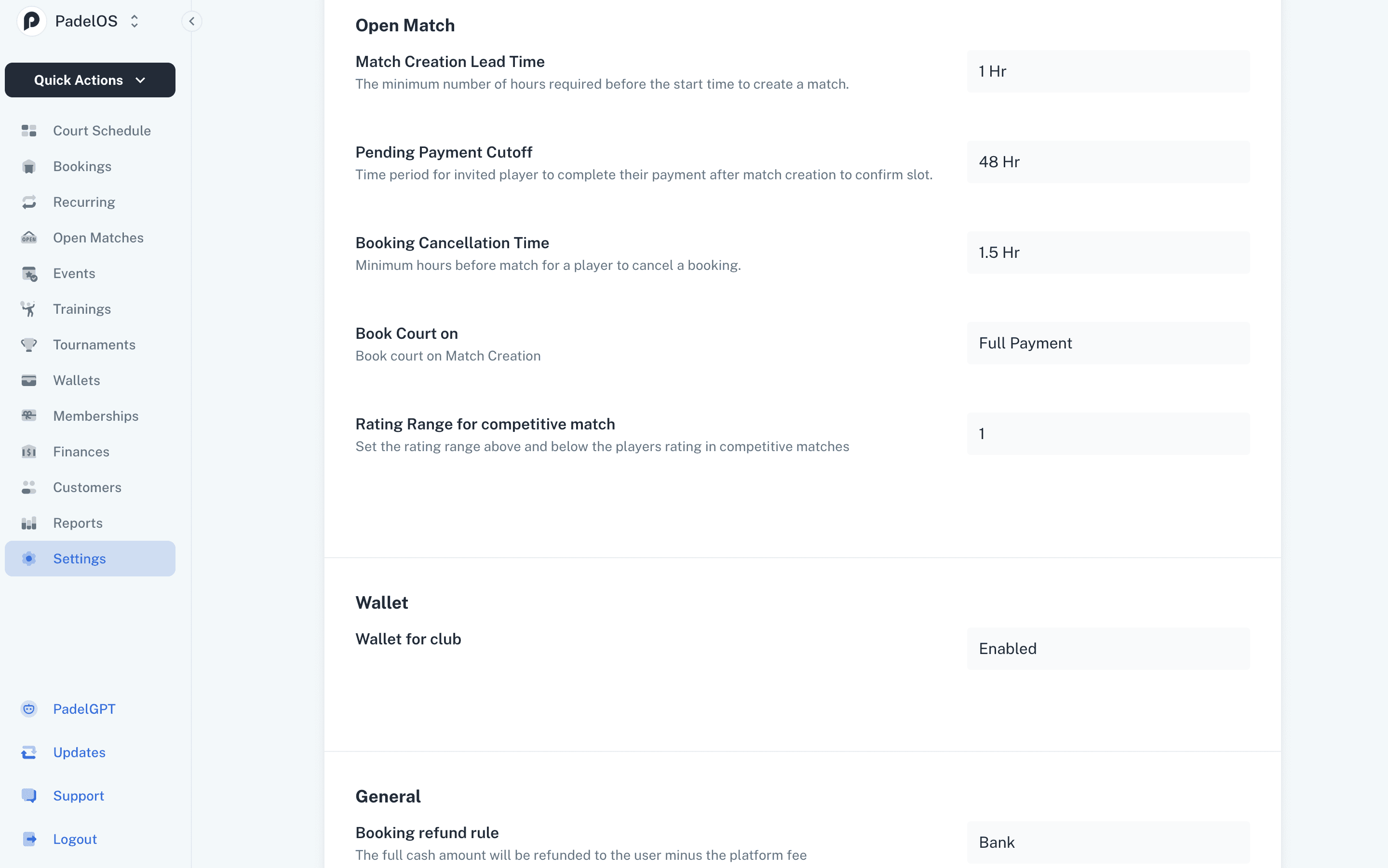
Book Ahead Limit – Set the minimum hours required before match start time for bookings.
Court Booking Conditions – Choose when courts can be booked: immediately, after full payment, or dynamically based on a set number of confirmed payments.
Booking Cancellation Time – Define the minimum hours before a match when a player can cancel a booking.
Pending Payment Cutoff – Set a time limit for invited players to complete their payment before losing their reserved slot.
Sell a slot
When a player can no longer make their match, they can put their slot up for sale instead of cancelling. Another player takes their place, the court stays full, and the club keeps the booking.
List It & Share the Link
Players enable Slot For Sale from their booking and PadelOS generates a shareable sale link with the full match details. They can send it over WhatsApp, share a direct link, or invite a specific player by email, filling the open spot faster.

Automatic Sale & Refund
Buyers see the slot and its price at the top of the match and join with a single tap on Buy Slot. Once it sells the original player is refunded automatically and can remove the listing at any time, cutting down last-minute cancellations and keeping courts booked.
